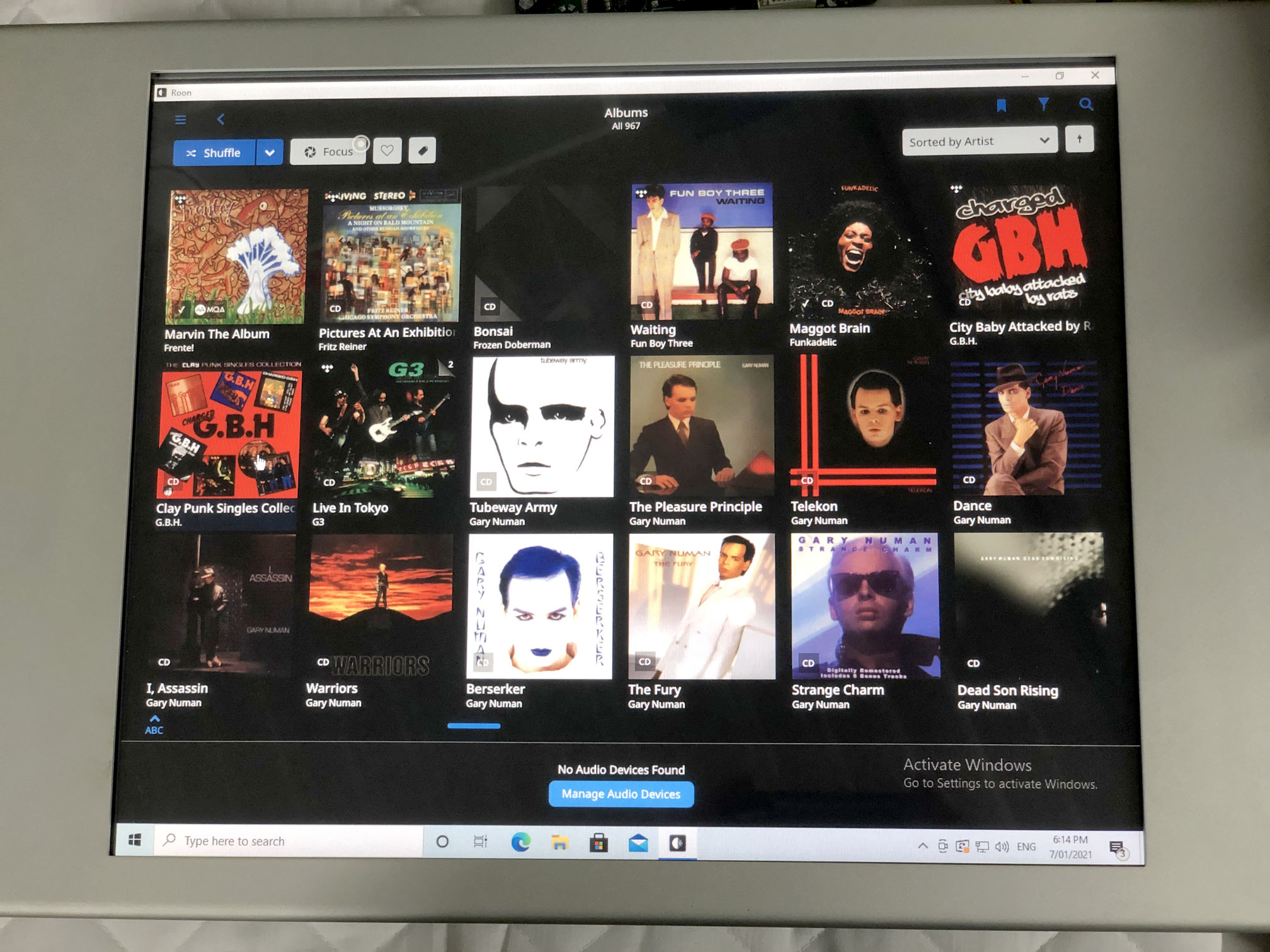
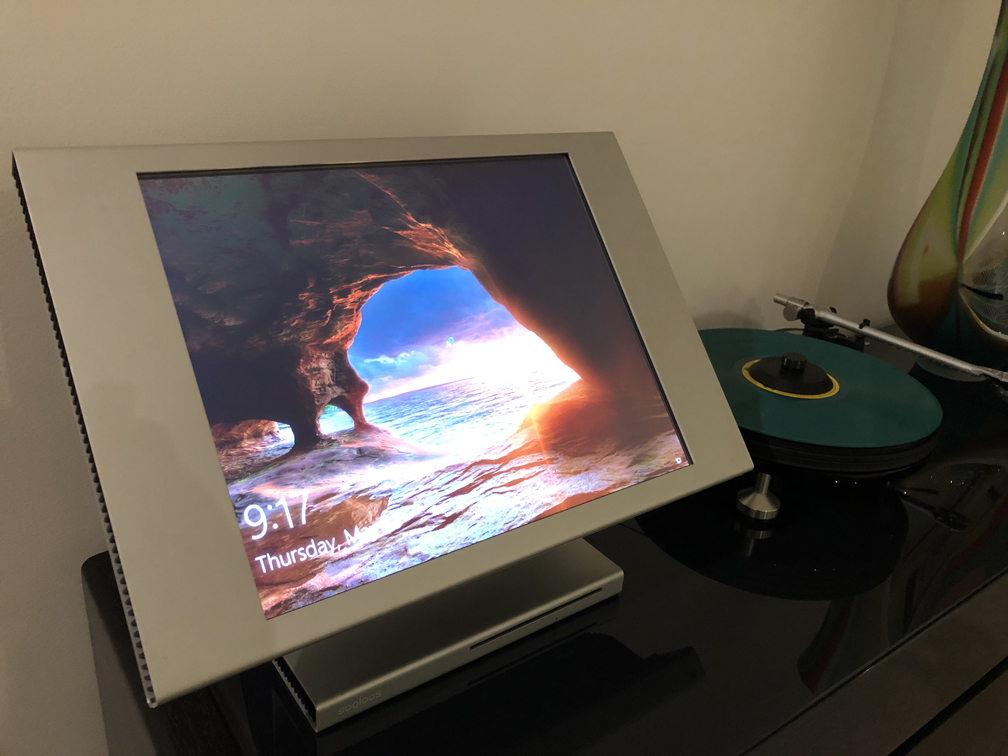
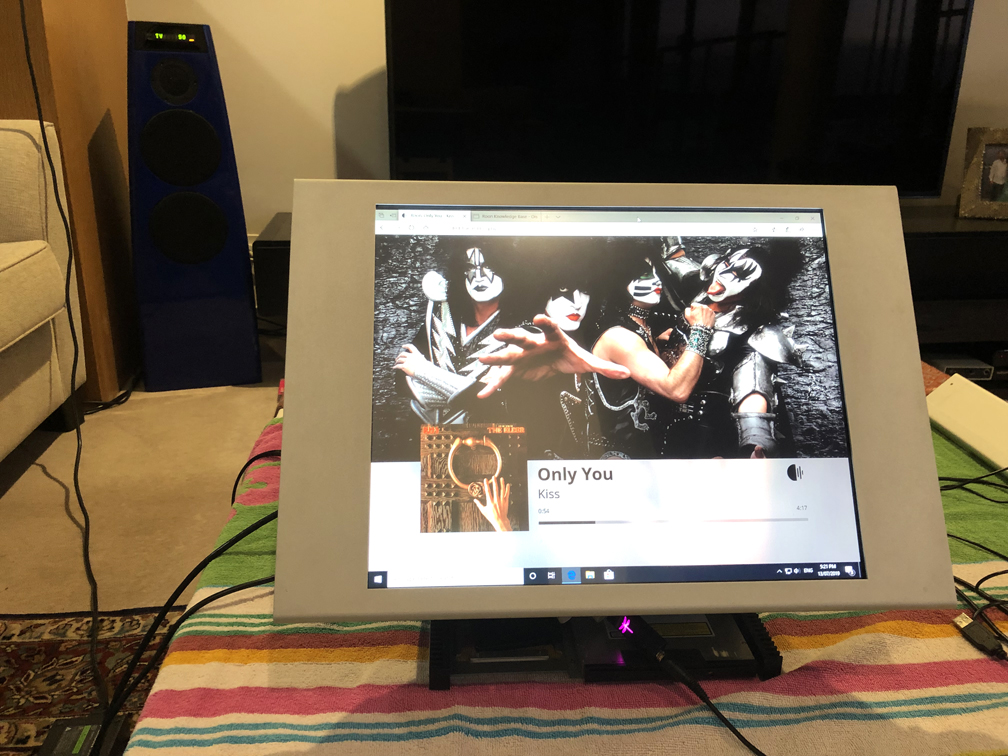
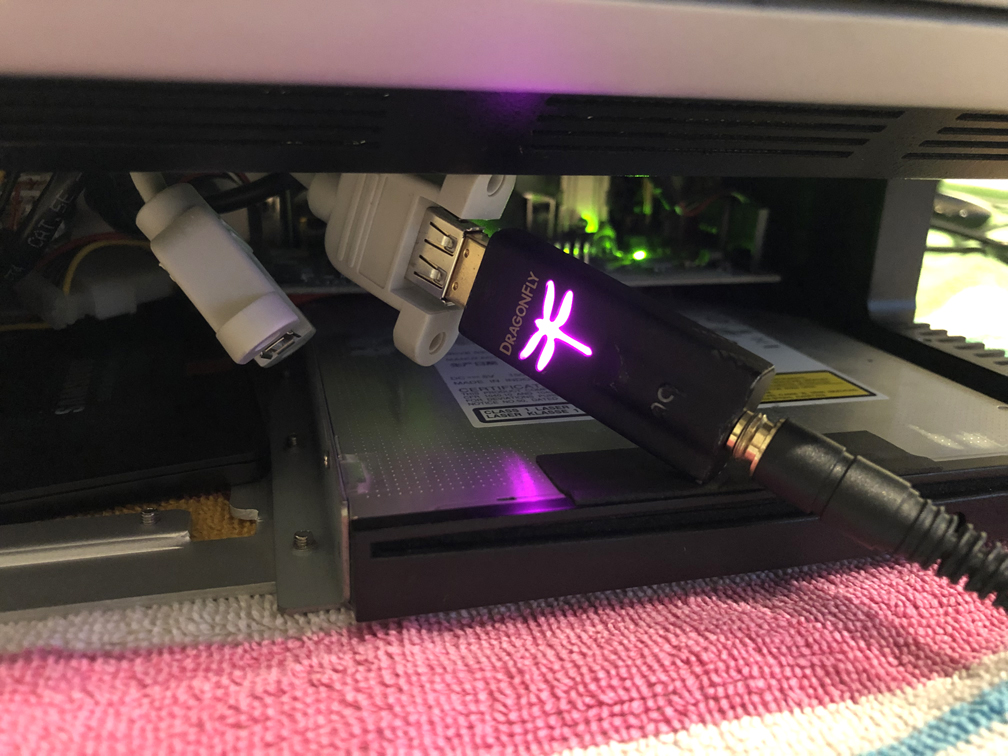
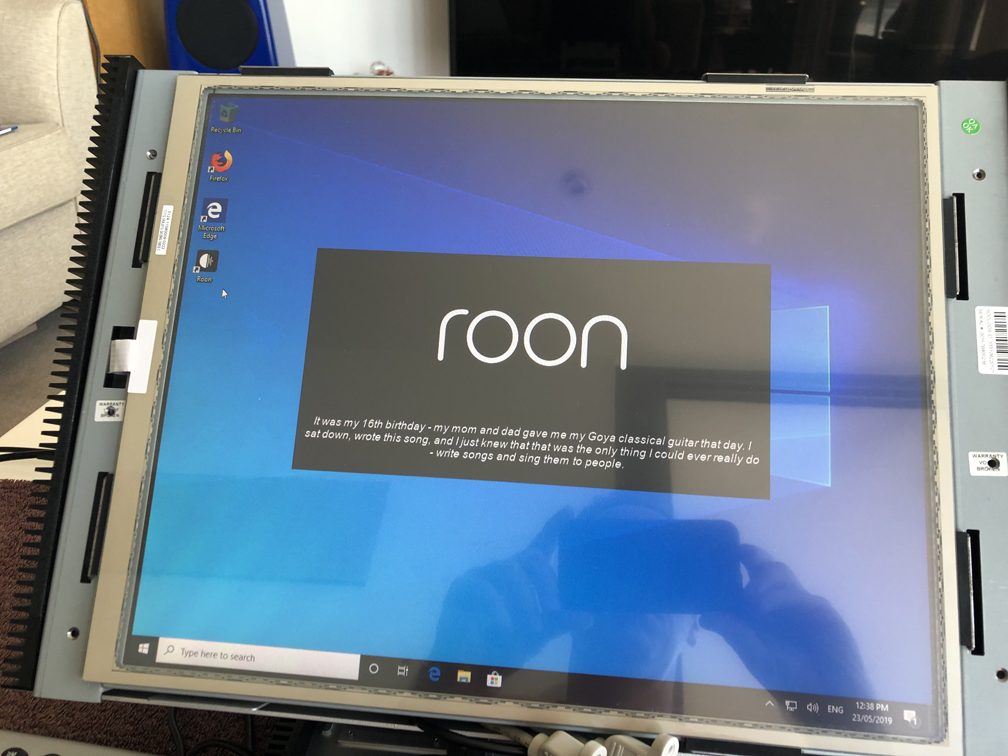
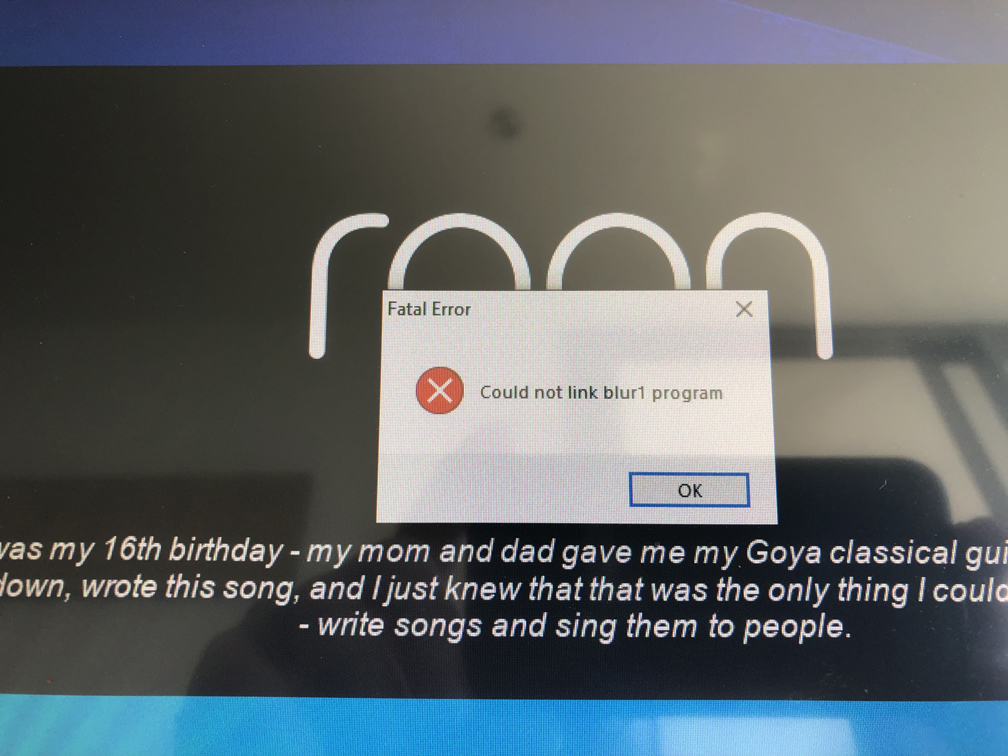
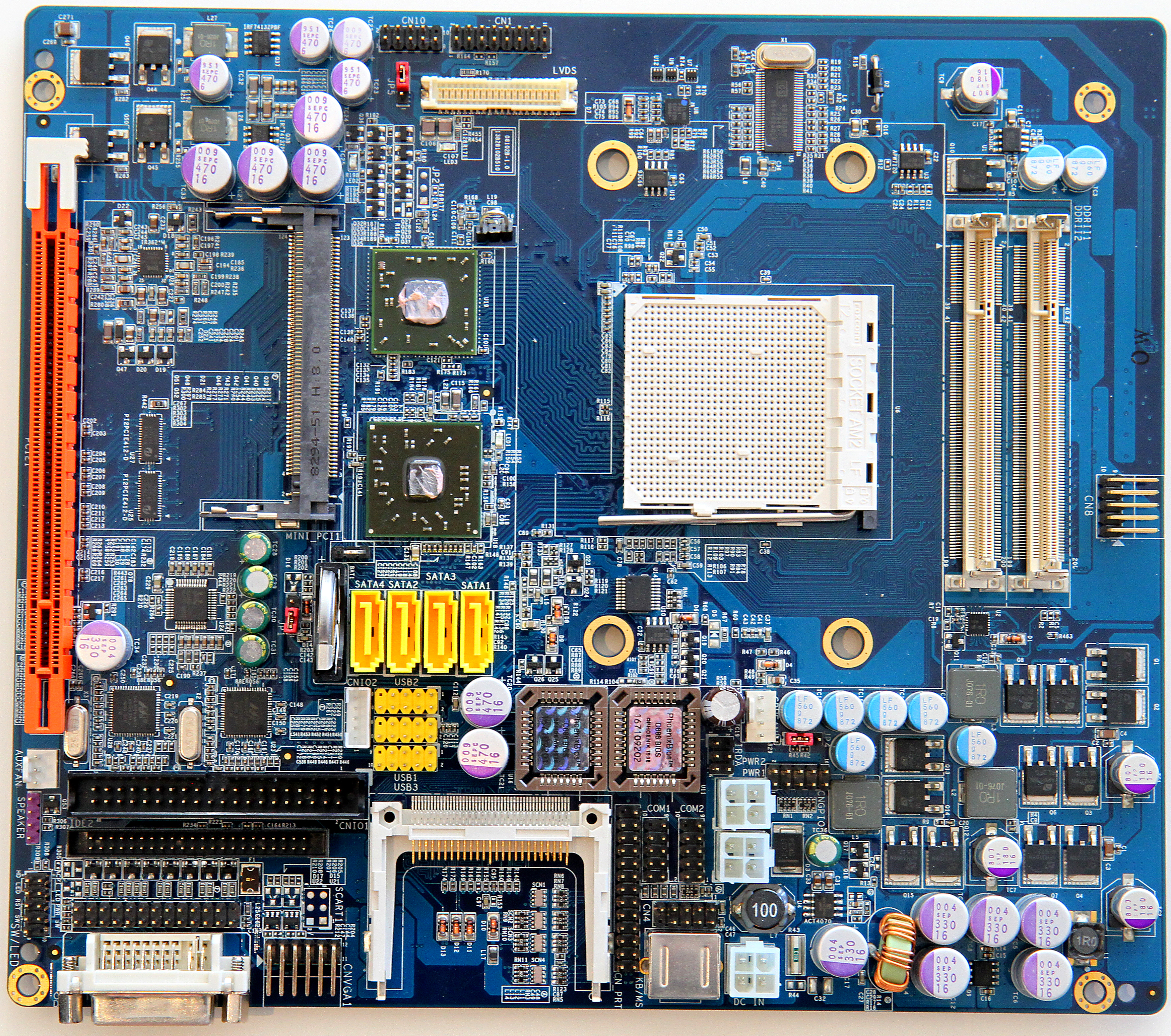
Control:10 running Roon It's a work in progress, but going well so far. This is a separate project to everything else below, and is a very modified Control:10 Control:10 running Windows 10 Pro 64 bit All I've done is put in extra RAM, changed the HDD to an SSD, and installed two USB header breakouts. RAM: 4Gb (2x 2Gb Geil) SSD: 256Gb Samsung 860Pro After some driver issues at first, the touch screen is now working beautifully! Roon Display in a web browser Roon Core is running on a NUC elsewhere on the network. It's not full screen, as this install of Win 10 is not activated, so no customisation is allowed. MQA from the Control:10 ! I also installed Roon Bridge on the Control:10 See the Audioquest Dragonfly poking out from underneath the Control:10 ? That purple light means it's outputting MQA, with the Control:10 doing the first unfold, and the Dragonfly doing the rendering. Full Roon installed and starting up I ran it purely as Roon Server at first, and that worked fine, running Roon Core nicely to my MS200 endpoint. Then I installed full Roon, so I could try to use it as a control. Ongoing Issues - No Roon Control What we all want from our Control:10'a and 15's though, is Roon Control, but unfortunately that's a no go at this stage. The problem seems to be that the Technexion TIM-8690 motherboard has ATI 690G embedded graphics on the North Bridge. Windows 10 doesn't recognise the chipset, but manually loading the ATI X1200 driver gets things going. The issue that has halted me is that this graphics chipset can only go to OpenGL 2.0 whereas Roon requires OpenGL 3.0 or above. Control:10 Motherboard The motherboard is a Technexion TIM-8690 with ATI 690G embedded graphics on the North Bridge. The Control:10 screen is connected via the white LVDS connector in the middle towards the top, and runs at 1280x1024 60Hz. The touch sensor is USB controlled, and comes in via CN8 at the right hand side. The HDD is SATA and plugs in to the yellow SATA3 port The CD drive is SATA and plugs in to the yellow SATA4 port The S/PDIF signal to the audio board plugs in to CNIO2 The Audio In (not used) from the audio board plugs in to CNIO1 The RS232 from the audio board plugs in to J2 The Control from the audio board plugs in to J4 The network cable from the connector panel plugs in to the 40way GPIO connector